Search for the Location, then click on pencil icon next to Customers name. The Edit Location box will pop up to the right, scroll down and look for “Preferred Technician”. Select a Technician, then click
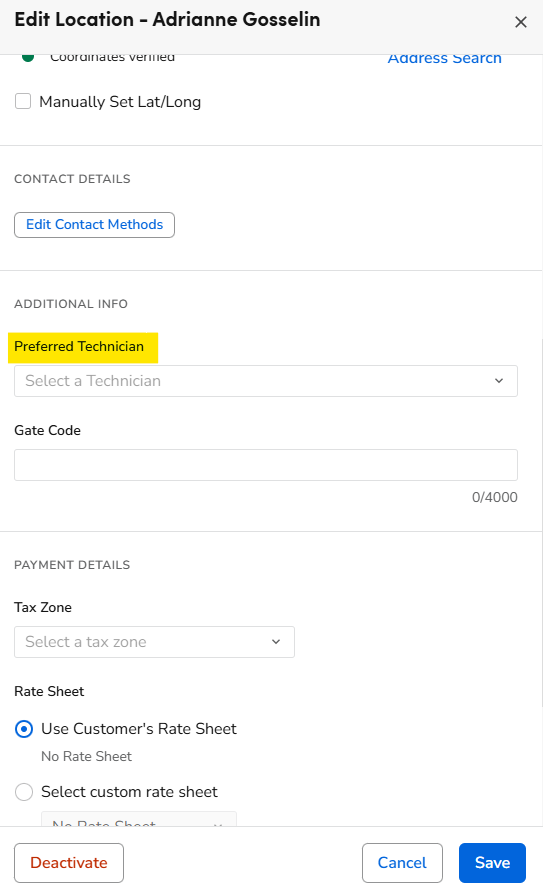

Search for the Location, then click on pencil icon next to Customers name. The Edit Location box will pop up to the right, scroll down and look for “Preferred Technician”. Select a Technician, then click