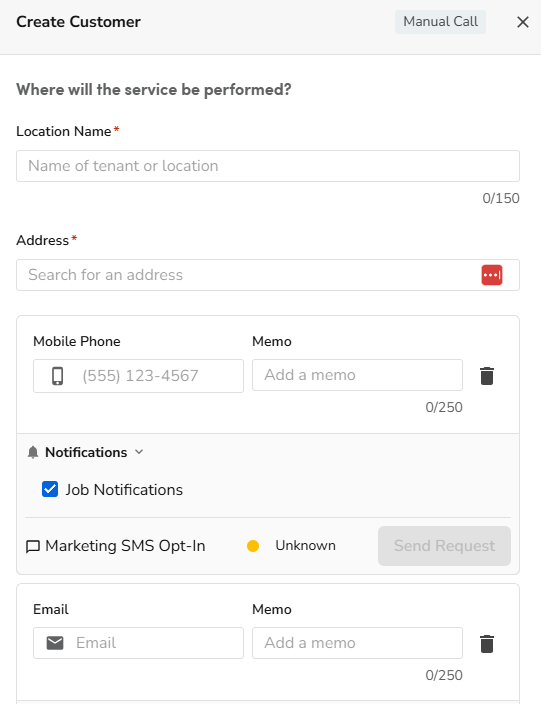
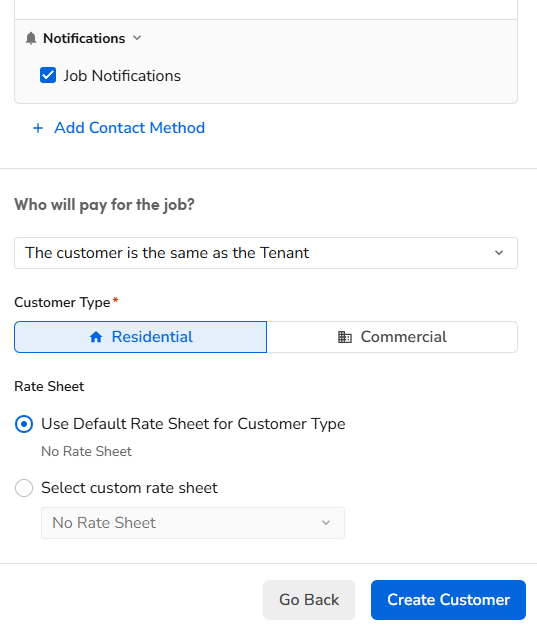
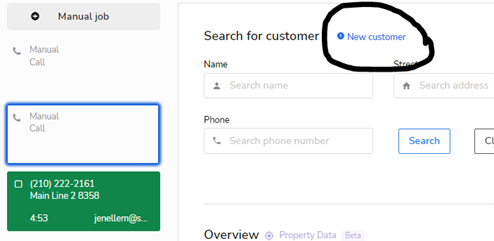
We will create a new account when a customer is calling in that has never been serviced by Shafer before. Once you have clicked on the green bubble in the Calls screen page, select New customer highlighted in blue. You will fill in the customer’s name, address, phone number and email.
Next a screen will pop up to the right side.